Your monitor. Under your control.
MoyMote is a private local bridge between your phone, your Windows PC and your monitor. Change brightness, blue light and HDR without reaching for the monitor's buttons.


Interactive preview. Drag the slider.
Coming to Microsoft Store for Windows 10 and 11, with a 7-day free trial.
Everything your monitor's buttons do. Without the buttons.
The panel on your phone is the same one you get on the PC. It shows only the controls your monitor actually supports.
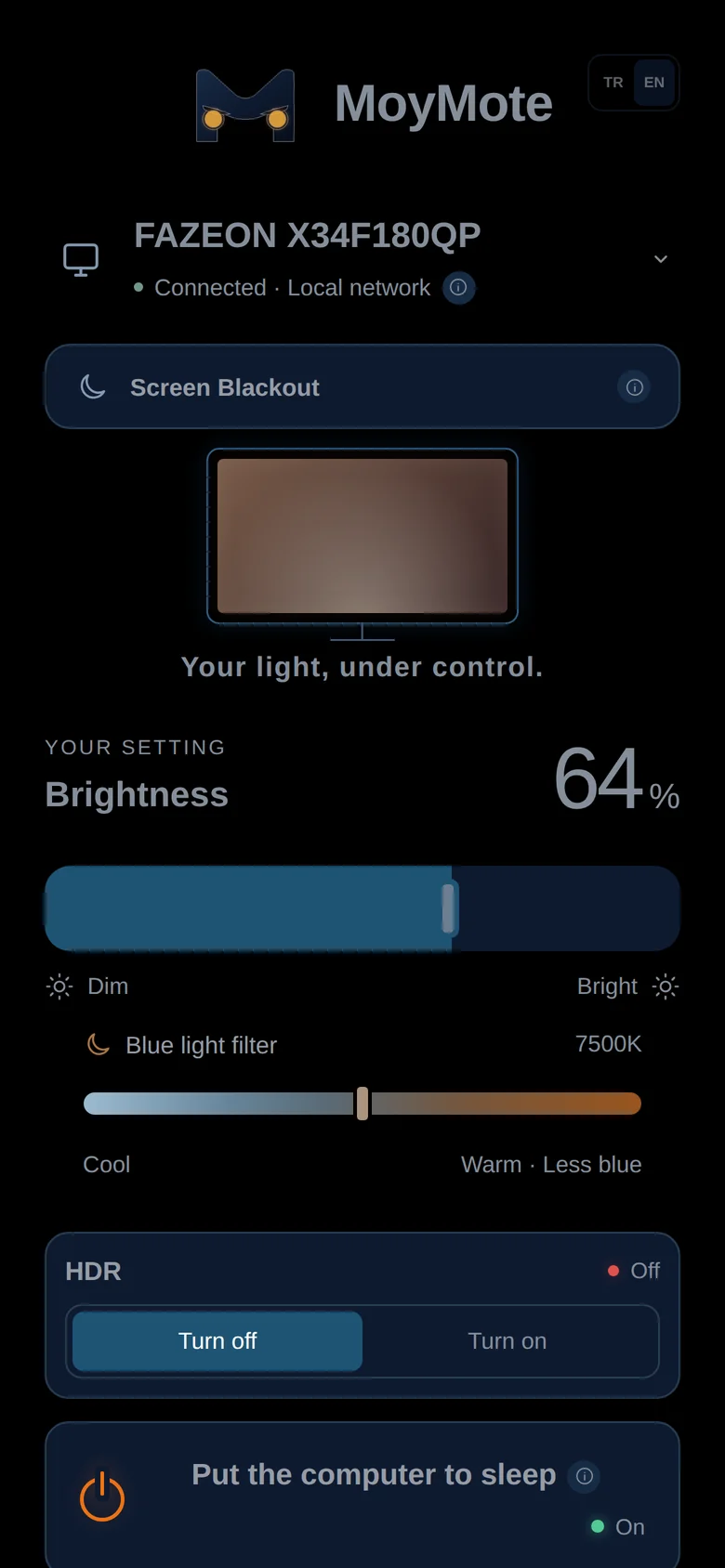
Brightness
One smooth slider, from barely-there to full.
Blue light filter
Steps through your monitor's own colour presets, from cool to warm.
Screen Blackout
Blacks out the picture without switching the monitor off. The same button brings it back.
HDR
Turns Windows HDR on or off for the monitor.
Needs an HDR-capable display and Windows 11 24H2 or later.
Sleep and shut down
Put the PC to sleep or shut it down from where you're sitting. Hold to confirm, so nothing happens by accident.
Modes and contrast
Day, Night, Movie and Game to start with, plus up to four modes of your own. Contrast is one slider away.
Volume and mute
For monitors with built-in speakers that accept the command.
Dark or light
The panel follows your phone's appearance, or you pick one.
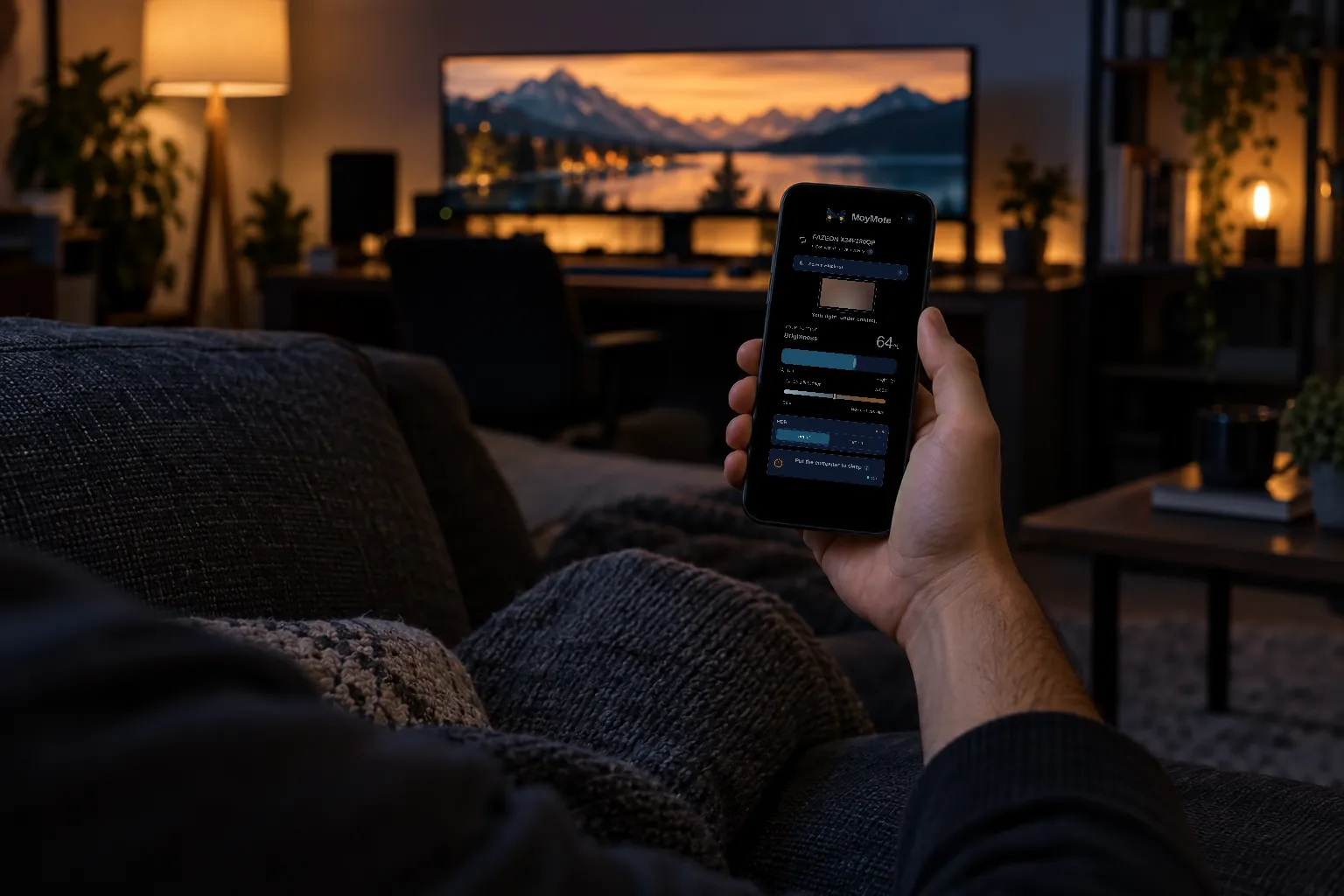
Your phone is the remote.
Scan a QR code once and your phone's browser becomes the MoyMote panel. There is nothing to install on the phone and no account to create. The phone talks to your PC over your own Wi-Fi, and nowhere else.
- Works from the couch, the bed or the other side of the room
- Add it to your home screen for one-tap access
- See and remove paired phones whenever you like
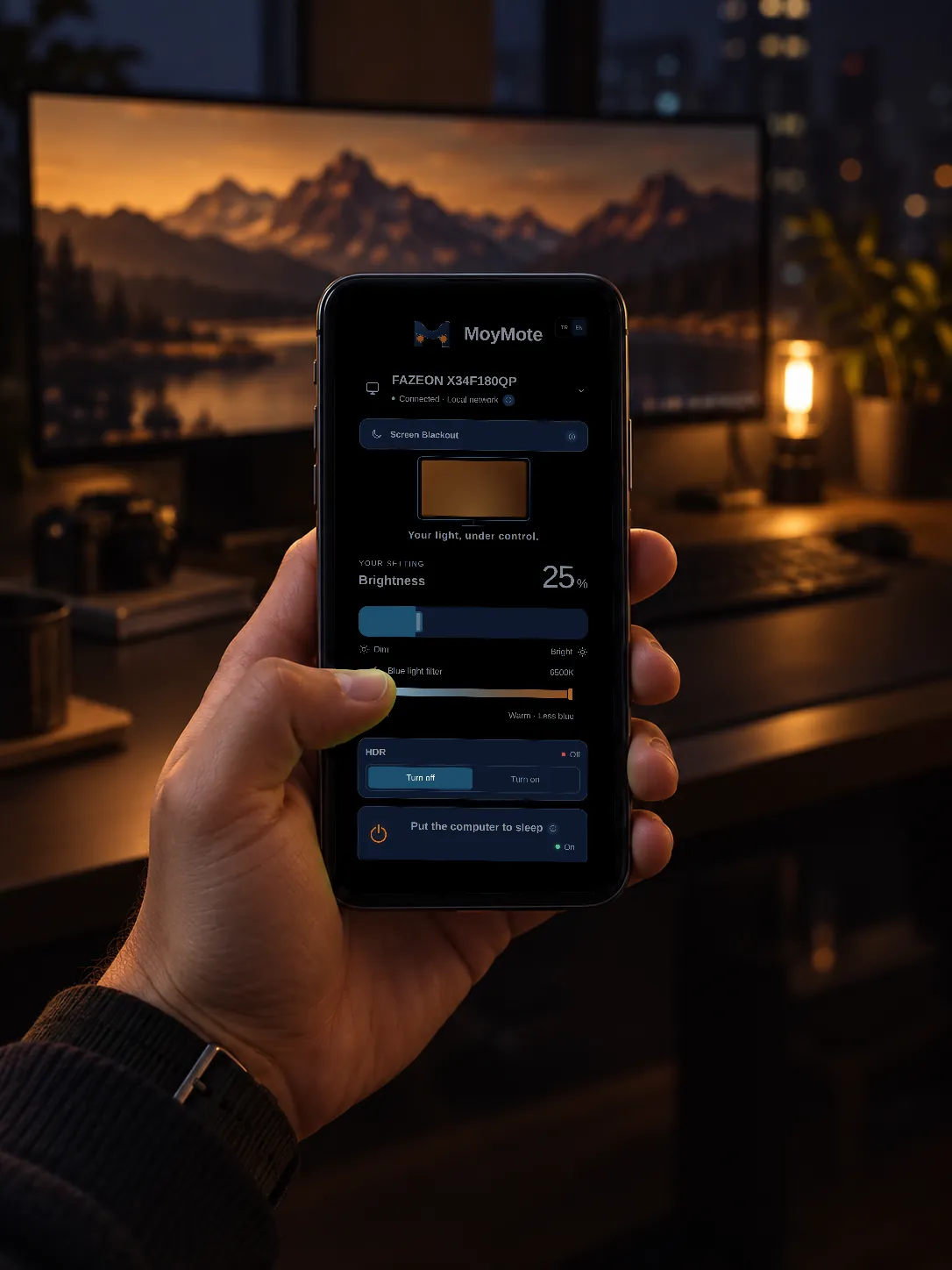
Made for late nights.
At midnight the monitor is the brightest thing in the room. Bring it down to a glow and warm up the picture without leaving the sofa, then save it as a mode and call it back tomorrow with one tap.
- Brightness and warmth in one place
- Screen Blackout for when you just want the dark
- Saved modes remember the whole look
Why pay, when free tray apps exist?
Twinkle Tray and Monitorian are good desktop tray apps, and if you only change brightness while sitting at your desk, they may be all you need. MoyMote is built for the moments you aren't at the desk.
- Your phone is the remote.No app to install on the phone. Scan once and it's paired.
- More than brightness.Blackout, HDR, sleep and shut down, next to brightness and warmth.
- Modes you switch in one tap.Movie night, late reading or gaming, each saved exactly how you like it.
- Local and private.No account, no cloud, no tracking. Your settings stay on your PC.
Set up in about a minute.
Install MoyMote on Windows
It lives in the tray and talks to your monitor over DDC/CI, the control channel most external monitors carry over the video cable.
Scan the QR code with your phone
Your phone opens the panel in its browser and pairs with your PC over your local network.
Control your monitor
From the PC or from your phone. Changes reach the monitor straight away.

Check your setup before you buy.
- Windows 10 or 11MoyMote runs on the PC the monitor is connected to.
- An external monitor with DDC/CIUsually on by default. If not, you'll find it in the monitor's own menu.
- HDMI or DisplayPortSome USB-C docks and adapters don't pass DDC/CI through.
- The same Wi-FiYour phone and PC need to be on the same local network.
Every monitor exposes a different set of controls: some offer only brightness, others add colour presets, contrast or volume. MoyMote shows what yours supports and hides the rest. We've tested it on a Fazeon X34F180QP, and we'd rather you try it on your own monitor than trust a long compatibility list, which is what the 7-day free trial is for. Built-in laptop screens don't support DDC/CI, so MoyMote can only black them out.
Local by design.
Pay once. Keep it.
- One-time purchase on Microsoft Store
- 7-day free trial before you pay
- Desktop app and phone panel included
- No subscription, no ads, no account
- $20 regular price once the introductory period ends
MoyMote is on its way to Microsoft Store.
Leave your email and we'll write once, on the day it's available.
We only use your email to tell you MoyMote is available. Privacy policy
Questions, answered.
What is DDC/CI?
DDC/CI is a standard that lets a computer send commands such as brightness or contrast to an external monitor over the video cable. MoyMote uses it to control your monitor from Windows and from your phone.
Do I need to install an app on my phone?
No. You scan the QR code shown by MoyMote on your PC and the panel opens in your phone's browser. You can add it to your home screen if you like.
Does it work with a laptop's built-in screen?
Built-in laptop screens don't support DDC/CI, so MoyMote can't change their brightness. It can still black them out. Windows' own brightness keys keep working as usual.
What if my monitor doesn't support a control?
MoyMote shows only what your monitor reports it can do. If a control is missing, your monitor or its connection doesn't expose it. That's why there's a 7-day free trial: try it on your own setup first.
Does it matter if I use HDMI or DisplayPort?
Both carry DDC/CI on monitors that support it. Some USB-C docks, hubs and adapters don't pass it through, so a direct cable is the safest choice.
Can I wake the PC from my phone?
Not reliably. Many modern PCs go into a deep sleep in which the network is off, so wake it with the keyboard, mouse or power button.
Is any of my data collected?
MoyMote doesn't need an account and the phone panel runs on your local network. The privacy policy covers the app and this website in full.
What if I want a refund?
Use the 7-day free trial to test MoyMote on your setup before you pay. Purchases through Microsoft Store follow Microsoft Store's refund policy.
How do I get help?
Write to [email protected] or use the form on the support page.